 ZS Chess Studio
Chess lessons into finished videos
Analyze a game with Stockfish, narrate it, put every move and variation on a timeline and export a YouTube-ready video — in one Windows app.
Get it from Microsoft Store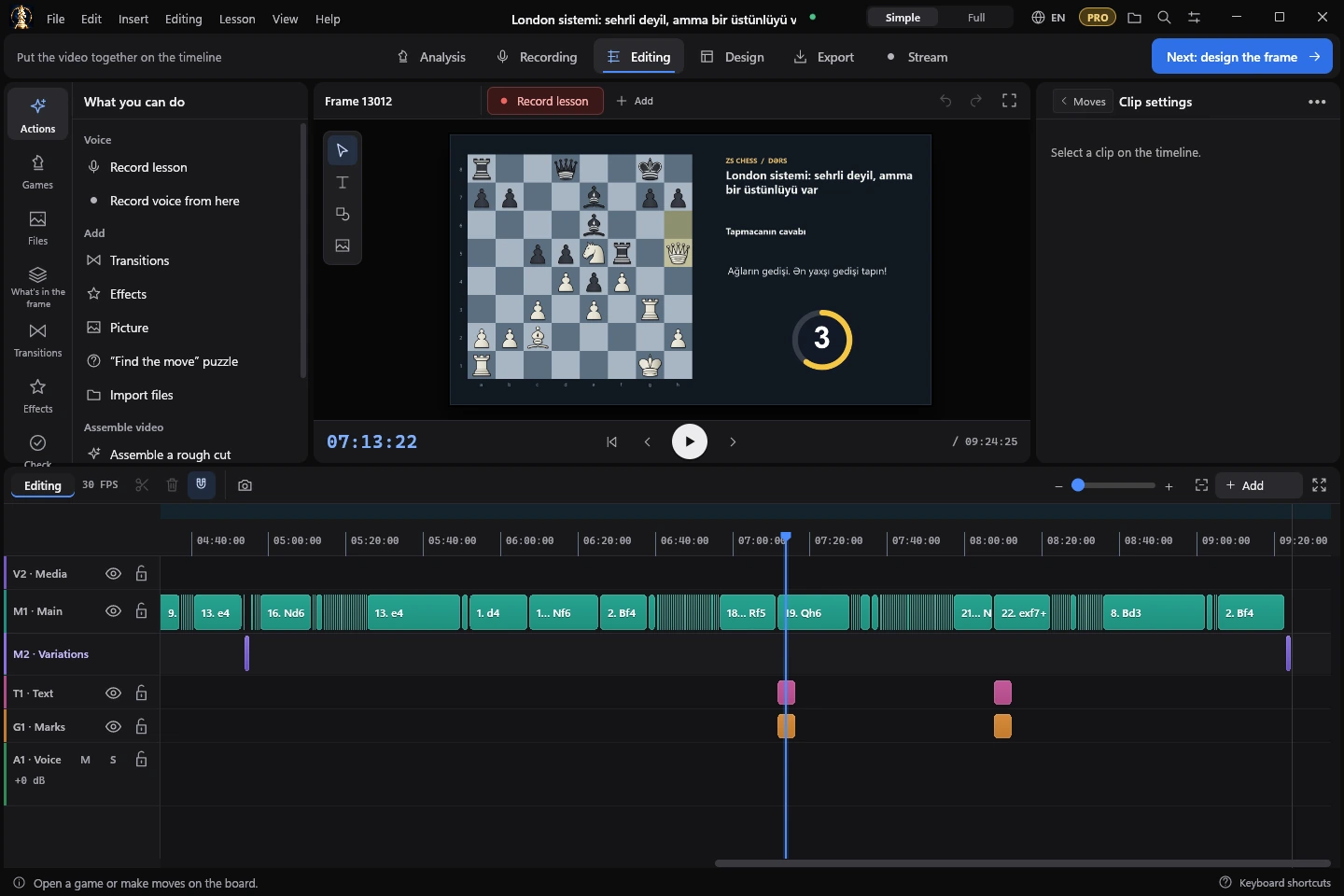
From a game to a video
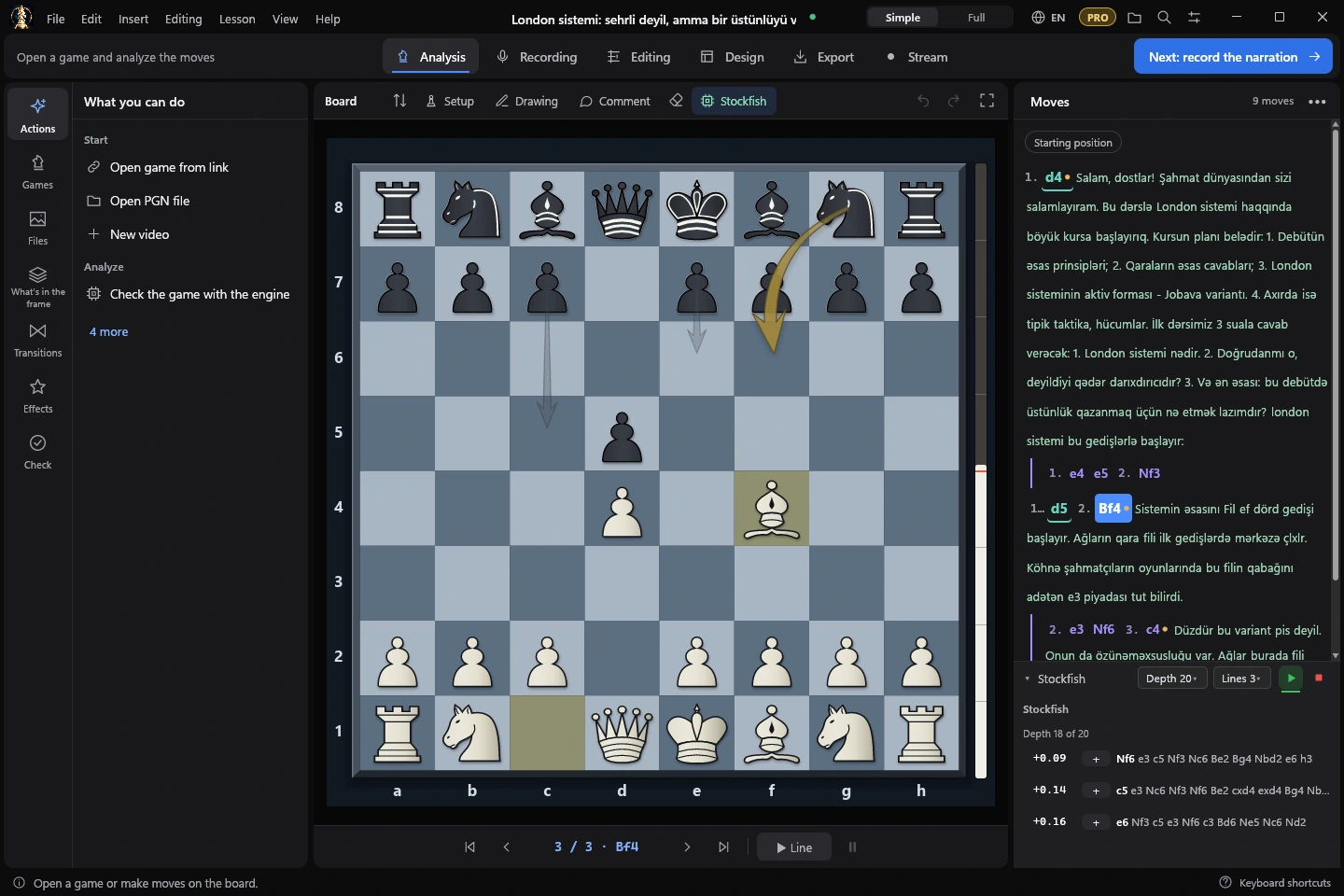
Analyze with Stockfish
Lines appear while the engine thinks, deeper each moment, with arrows of its best moves on the board. Import a game by a Lichess or Chess.com link or from PGN.
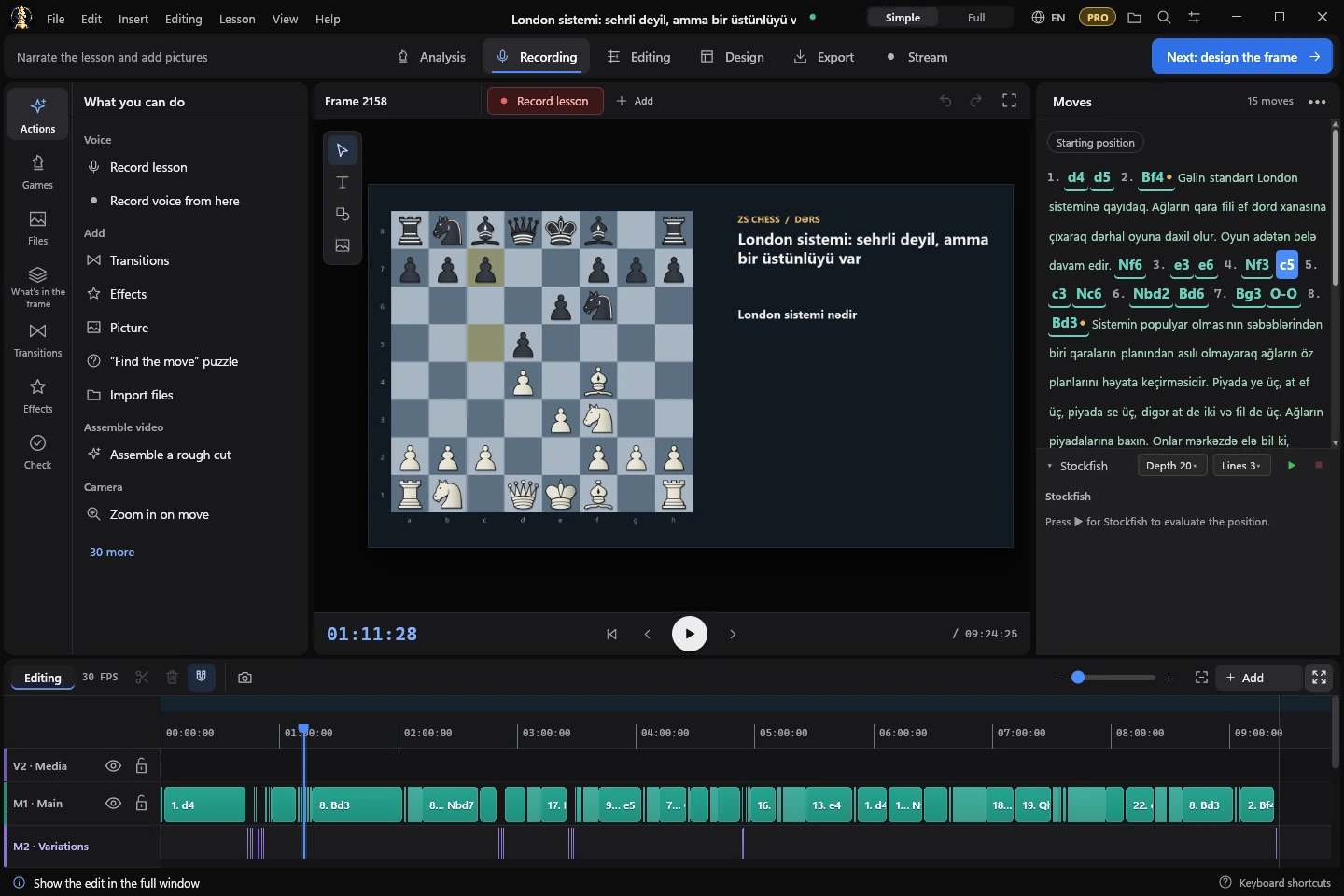
Every move on the timeline
The move tree is the script: moves and variations become clips on their own lanes, with comments, marks and arrows you draw.
Narrate and record
Record your voice over the lesson, or give the text to an AI voice with your own key. Subtitles are recognized on your computer.
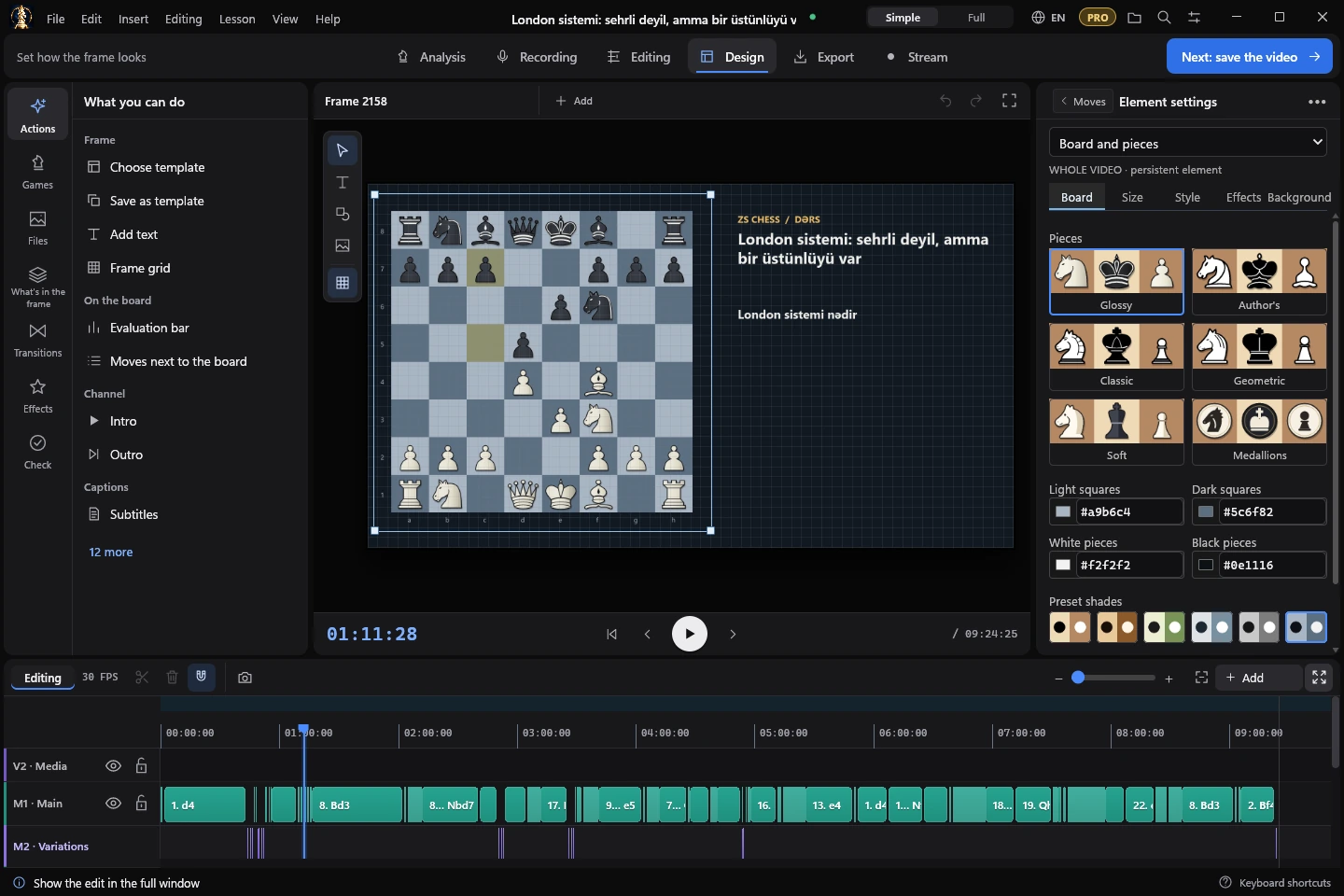
Design the frame
Screen templates, six piece sets, board colours, transitions, effects and «find the move» puzzles.
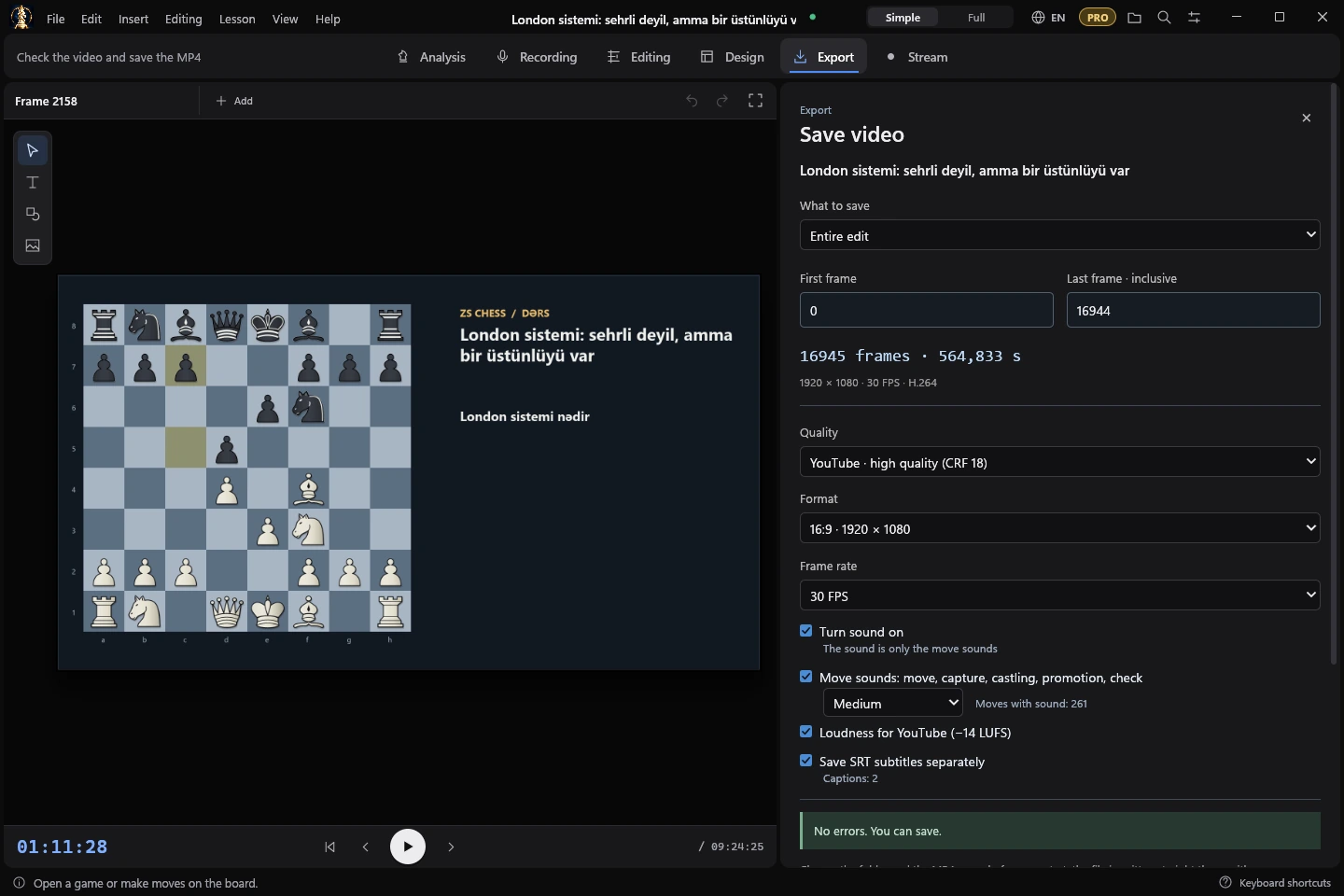
Export for YouTube
MP4 in 1920 × 1080 with loudness for YouTube, subtitles and move sounds, or a GIF. With Pro: 4K and Shorts.
Go live
Stream to YouTube or Twitch with your board, camera and chat on screen (Pro).
The studio
Free and Pro
Free
- Analysis, Stockfish, voice recording, editing and design — no limits
- Videos in 1920 × 1080 and GIFs
- A small ZS Chess Studio mark in the lower right corner of the video
Pro
- Videos without the corner mark
- Export in 4K 3840 × 2160
- Shorts 1080 × 1920
- Live broadcasts to YouTube and Twitch
Try Pro free for 7 days from inside the app — once per Microsoft account. The Store shows the price in your currency.
Requirements
- Windows 10 version 2004 or later, or Windows 11, 64-bit
- FFmpeg comes with the app; Stockfish and the speech model download in one click
- Interface in English, Русский, Azərbaycanca, Türkçe, Українська, Español, Português, Deutsch, Français, Italiano, Polski, Bahasa Indonesia, Tiếng Việt, हिन्दी, 简体中文, 日本語 and 한국어